What is really on the floor?
Explore modeled machine assemblies, workers, storage and handling equipment. Select an asset to inspect its cited observations, model interpretation and unknowns.
Inspect equipment →TWINTON / FACTORY
Your machines, people and materials in one working model. Find where work waits. Try the next move. Follow the evidence behind the result.
Public demo · browser simulation · no sign-in
FROM A MACHINE
TO THE WHOLE FLOOR
A late delivery becomes a material shortage. A stopped machine fills a queue. A repair needs the right person, spare and route. Twinton lets you explore these relationships together.
01 / EXPLORE
Inspect machines and workforce, follow individual loads, then change the number of carriers or introduce a machine stop. The same scheduler drives the movement and the results.
SIMULATED · AUTHORED ASSUMPTIONS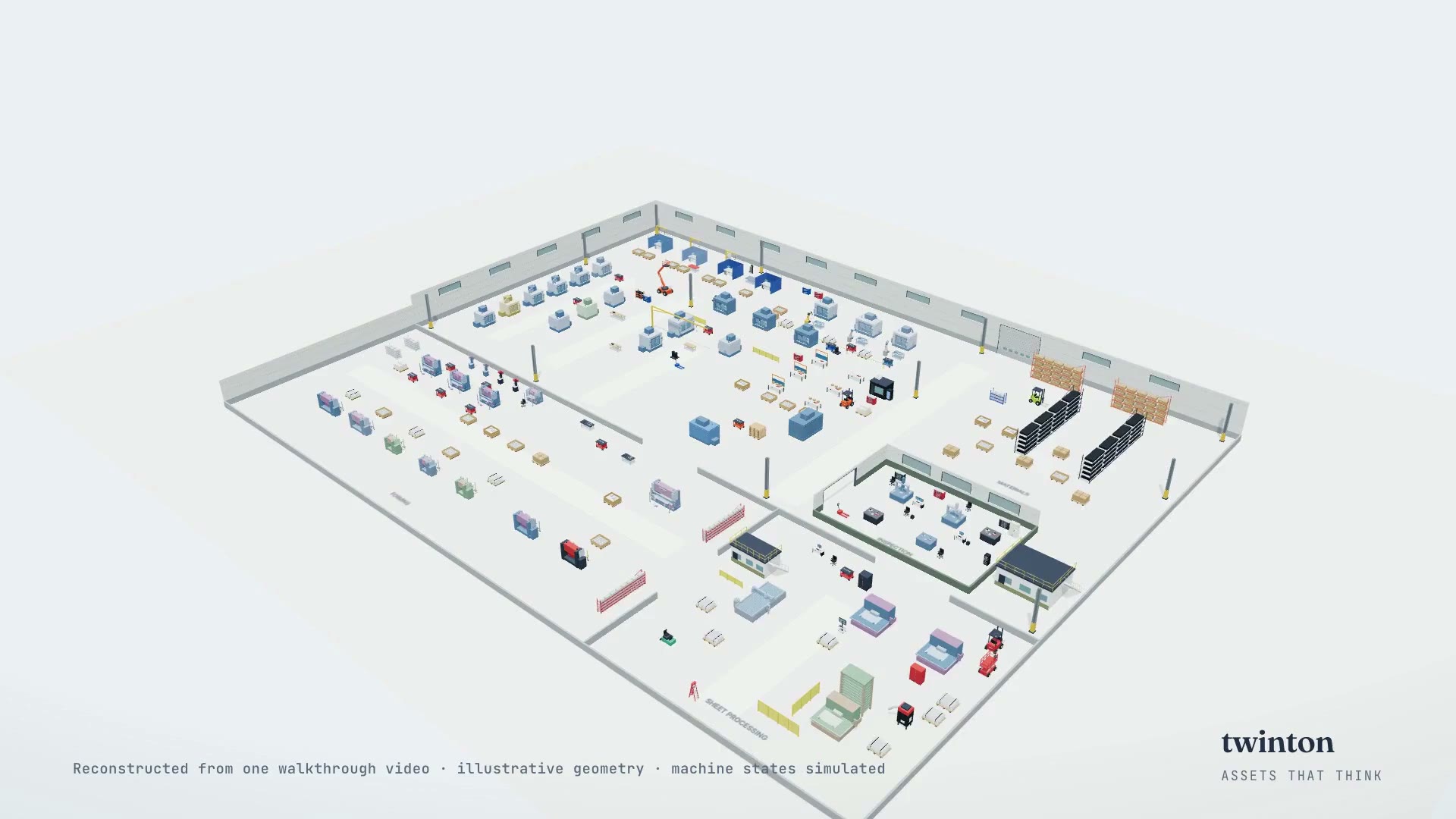
Loads the real 3D Twinton cell in this page
02 / FOLLOW THE MATERIAL
A released order reserves its kit. Stock stays on the shelf until a carrier collects it. Scrub through the recorded simulation and watch on-hand, reserved and available quantities change at the actual events.
03 / ONE CONNECTED MODEL
Explore modeled machine assemblies, workers, storage and handling equipment. Select an asset to inspect its cited observations, model interpretation and unknowns.
Inspect equipment →Follow individual material routes, finite queues and carrier handoffs. Stock availability, receiving capacity and machine eligibility govern the flow.
Follow logistics →See working, idle, blocked and fault time in the production ledger. Explore how a machine stop propagates into queues, throughput and elapsed order time.
Test a stop →Model finite repair crews, skills, shifts, travel and service time. Repairs compete with production for shared spare and material stock.
Explore repair workflows →Trace machine activity, energy and modeled cost by resource, product, order, material and lot. Set your own rates; missing rates remain unknown.
Inspect the accounting →Pin a baseline. Compare carriers, queue space, cycles or repair staffing at the same simulation time. Export both runs and explore the candidate in 3D.
Compare scenarios →04 / FROM EXPLORATION TO OPERATIONS
A connected Twinton workspace gives teams a durable record of scenarios, work items, results and source events.
See the workspace capabilities →Name a factory, save its inputs and queue a simulation or follow-up task.
Claim work with an expiring lease. Retain completed calculations and their original events.
Query saved statistics, inspect incident history and follow each result back to its source.
Implemented in the connected application. This public bundle uses portable files; it has no shared database or live plant connection.
05 / KNOW WHAT YOU KNOW
Reviewed video, camera and document references retain their own identities and locators. Creator videos open from their original source.
Movement, queues, cycles, staffing, energy and costs follow explicit assumptions. Geometry is an authored interpretation, not a surveyed floor plan.
Current machine condition and actual recognition accuracy need site evidence. The detector evaluation tool separates misses, false alarms and abstentions.
The walkthrough plants are reference examples, not claimed customers. The public demo contains no private review footage. No detector is installed by opening it.
BUILD A MODEL OF YOUR OPERATION
Bring a workflow, a walkthrough and the data you can share. Define the assets, verify the assumptions and test an operational change.