Your printers, booked with jobs
I'm launching a walking robot and need a lot of parts printed. Pair your printers and I send you the jobs that fit them.
Thanks, here's your download:
Want your first jobs fast? Book 20 minutes with me — I answer myself.
You say yes or no to every job. Free to join. Privacy.
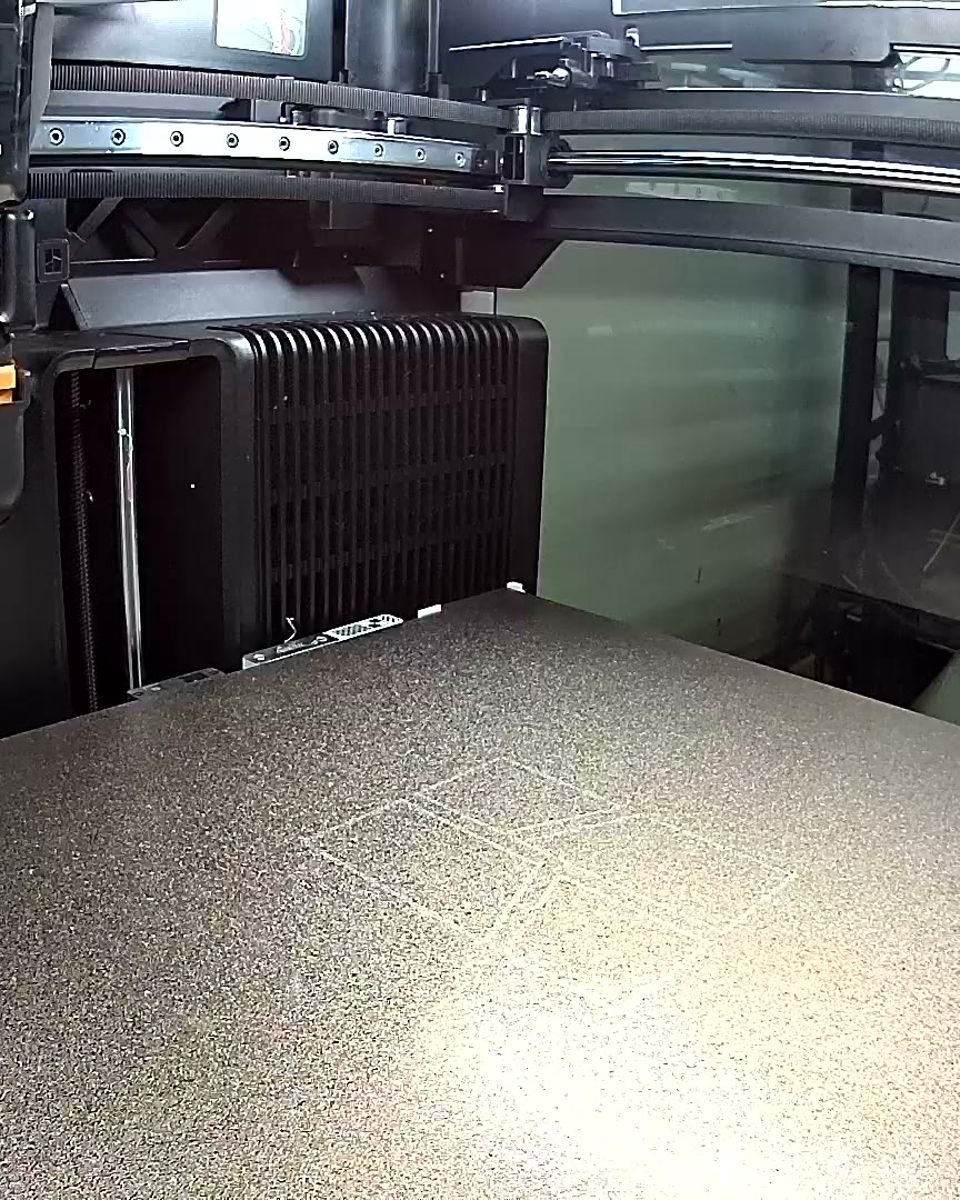
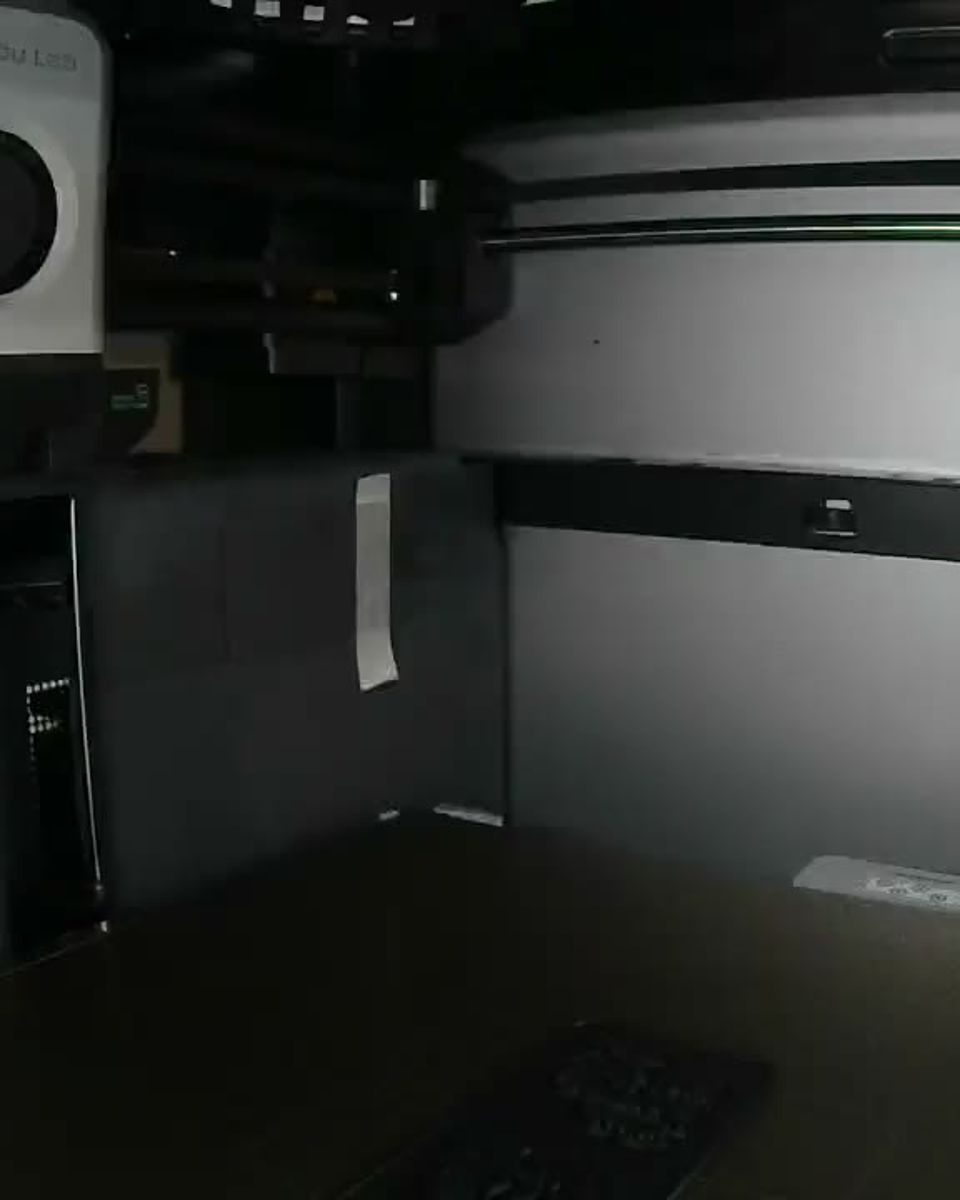
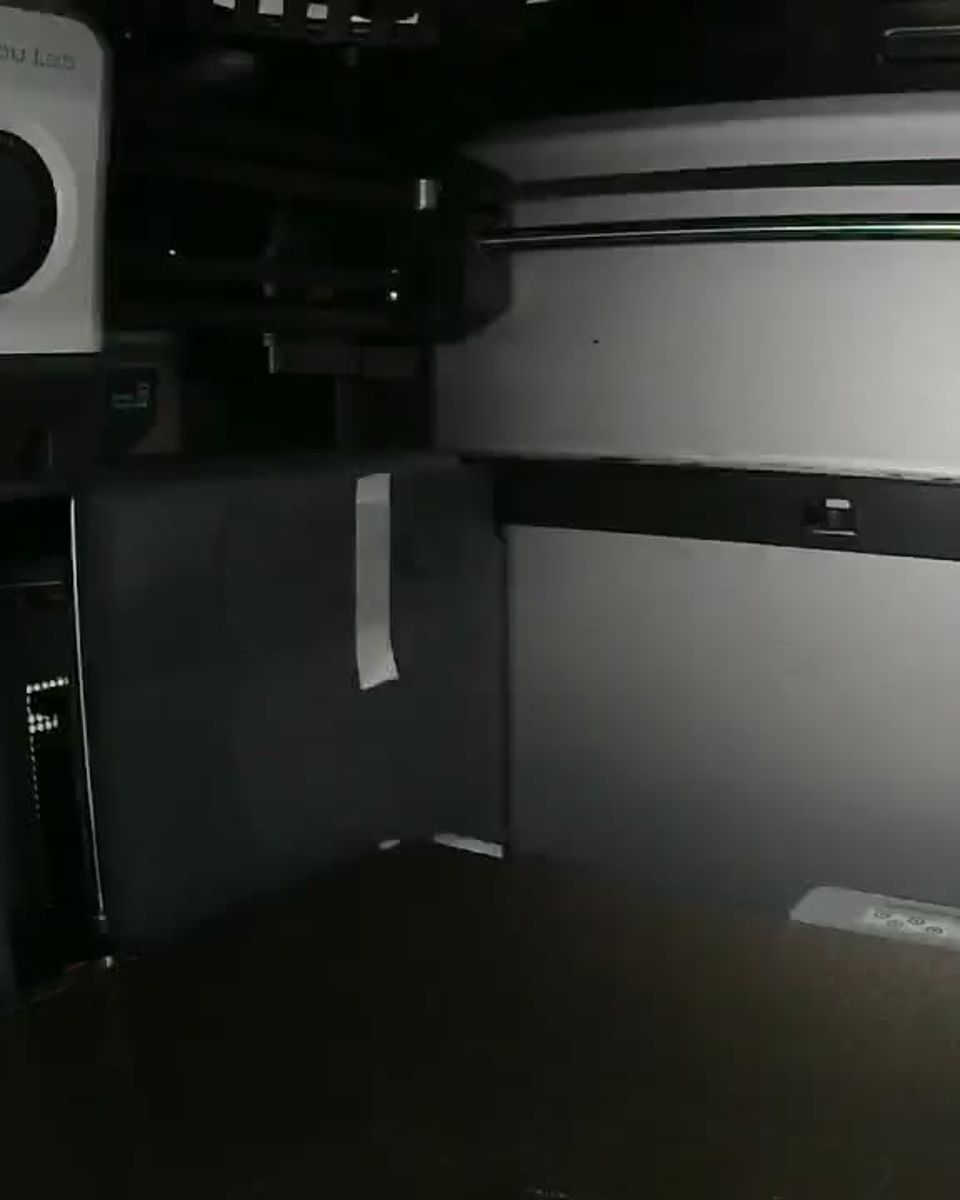
From download to paid job
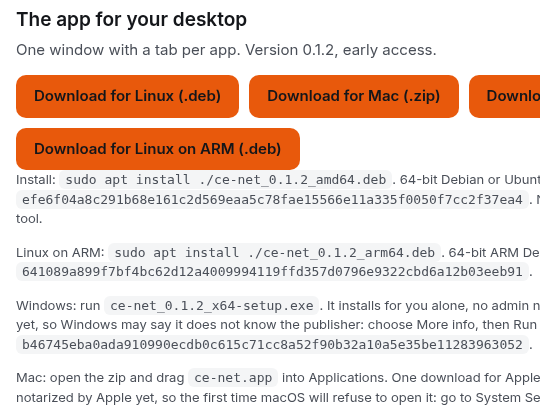
Get the app
Mac, Windows or Linux. One download.
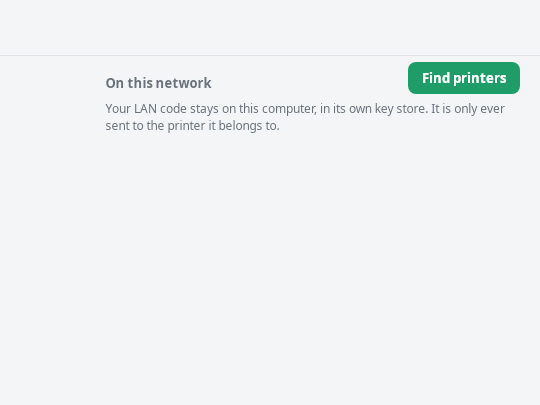
It finds your printers
Bambu Lab printers on your network show up by themselves. Your LAN code stays on your computer.
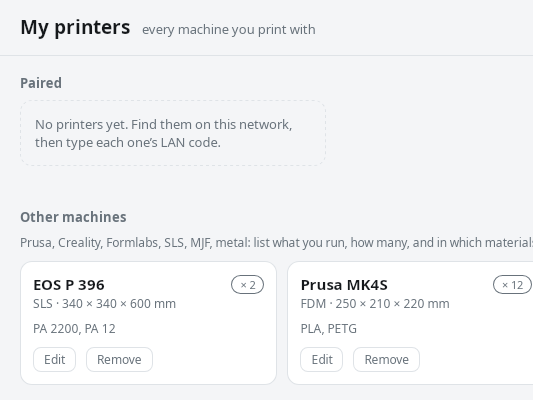
Add the rest
Prusa, Formlabs, resin, SLS, metal. Add them by hand.
Pick your jobs
You see each job and say yes or no before it prints.
Get paid
For every job that's printed and passes.
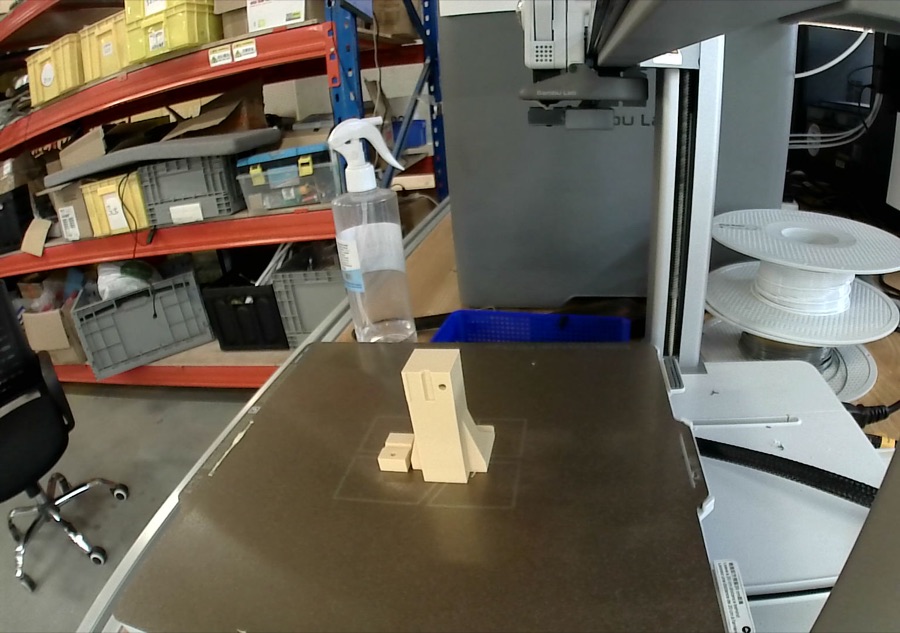
Jobs like these
Real parts from the small walking robot we build. Times and grams come from the slicer: Bambu Lab H2S, 0.2 mm layers, one part per plate.
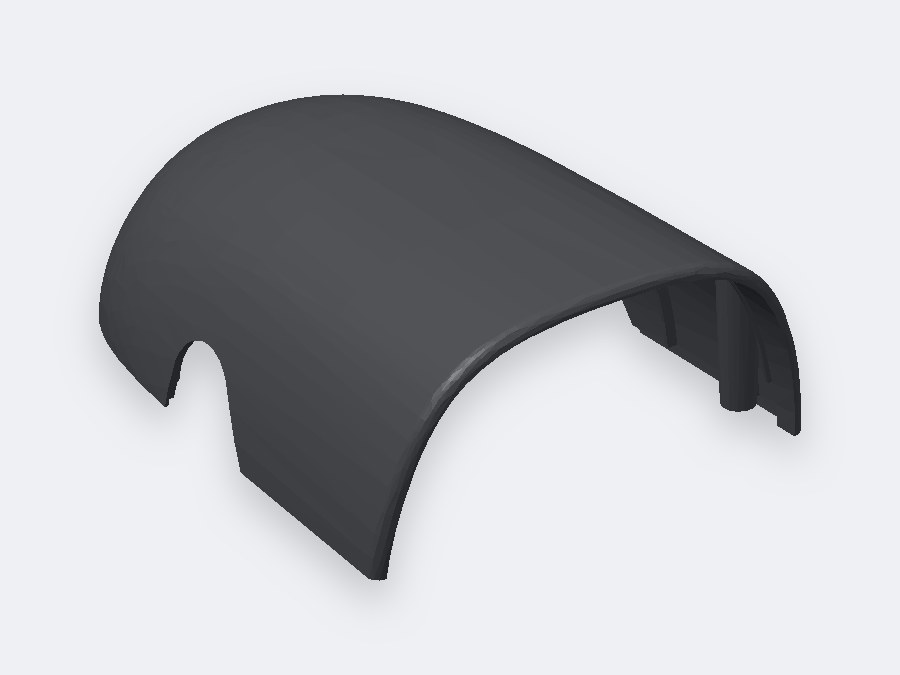
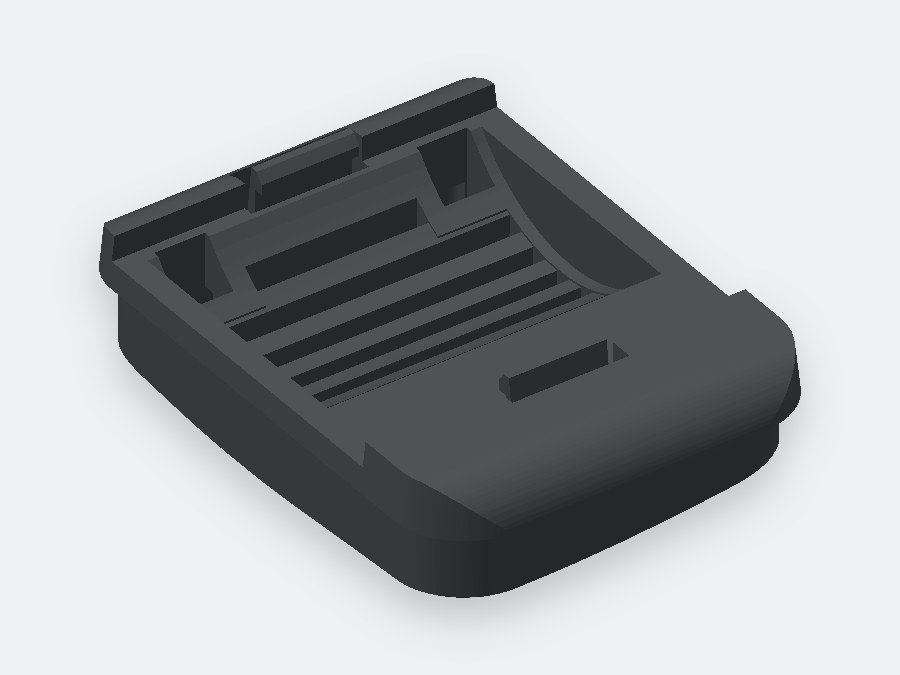
Top head shell
- Material
- PLA
- Print time
- 1 h 9 min
- Filament
- 34.6 g
- Per robot
- 1
Foot
- Material
- PLA
- Print time
- 33 min
- Filament
- 13.4 g
- Per robot
- 2, left and right
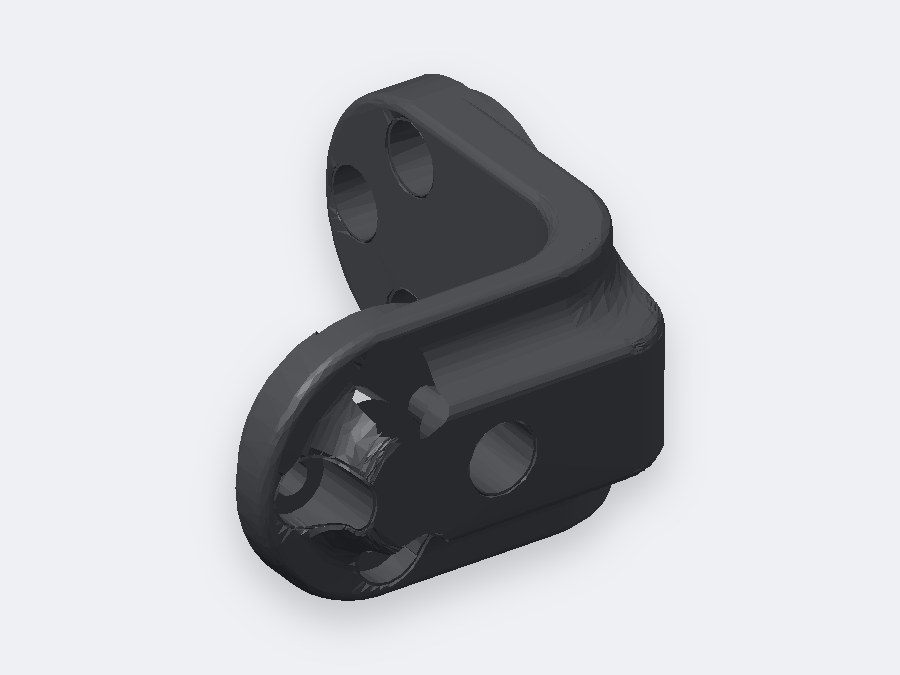
Hip bracket
- Material
- PLA
- Print time
- 18 min
- Filament
- 3.8 g
- Per robot
- 2
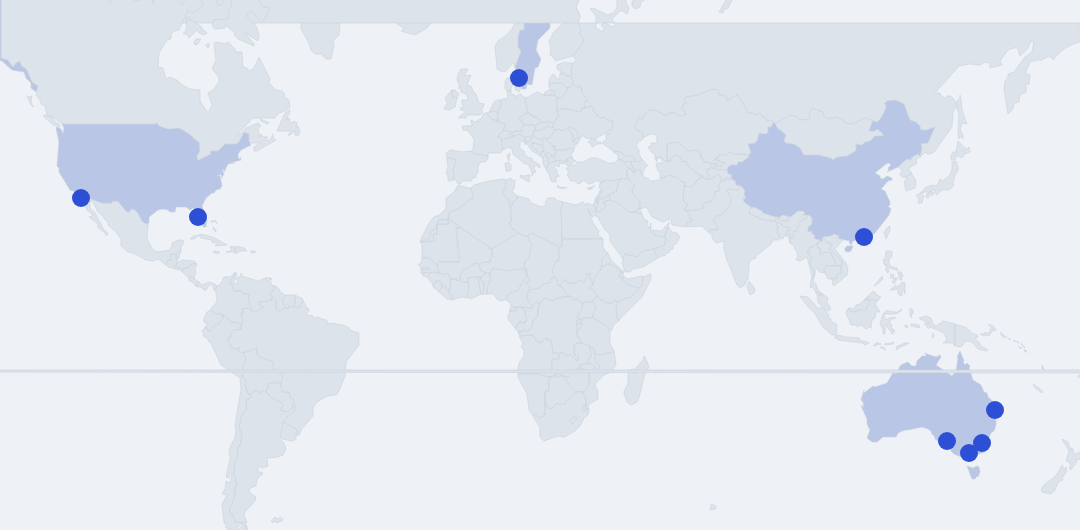
Who's printing with us
Every shop that joins shows up on the map.
- Adelaide
- Caboolture
- Canberra
- Melbourne
Rather talk first?
Book 20 minutes with me, or just write. I answer myself.
- Call
- 20 minutes
- [email protected]
- From
- Shenzhen and Sweden